Scan & Order

Let Customers Scan,
Browse & Order by a QR

Give your customers a faster, easier way to order with a QR-powered digital menu and ordering system built for restaurants and cafés.

Scan & Order
Easy Menu Management
Faster Table Service
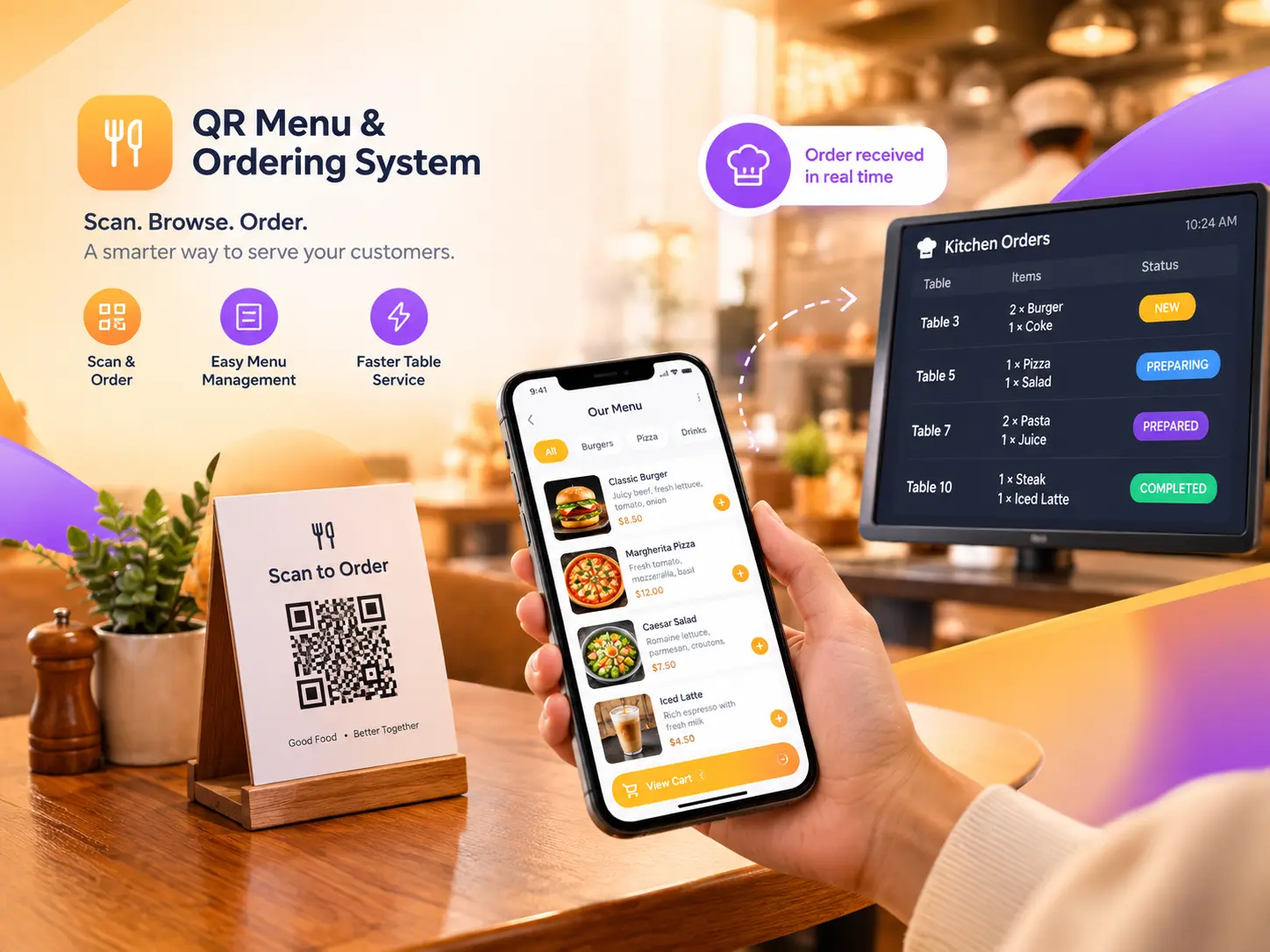
QR Menu Ordering System for Myanmar Restaurants & Cafes
Process

How It Works

Few simple steps for your customers to order foods instantly.

1. Customer Scans

Customers scan the QR code placed on their table using their phone.

2. Browse the Menu

They instantly see your digital menu, categories, food photos, prices, and available options.

3. Place an Order

Customers select their dishes, choose options, review their cart, and place the order.

4. Kitchen Receives Order

The order appears on your kitchen staff's device instantly so your staff can start preparing it.

Key Features

Everything schools need to manage and publish results efficiently.

QR Table Ordering

Give every table its own QR code and let customers order directly from their phones.

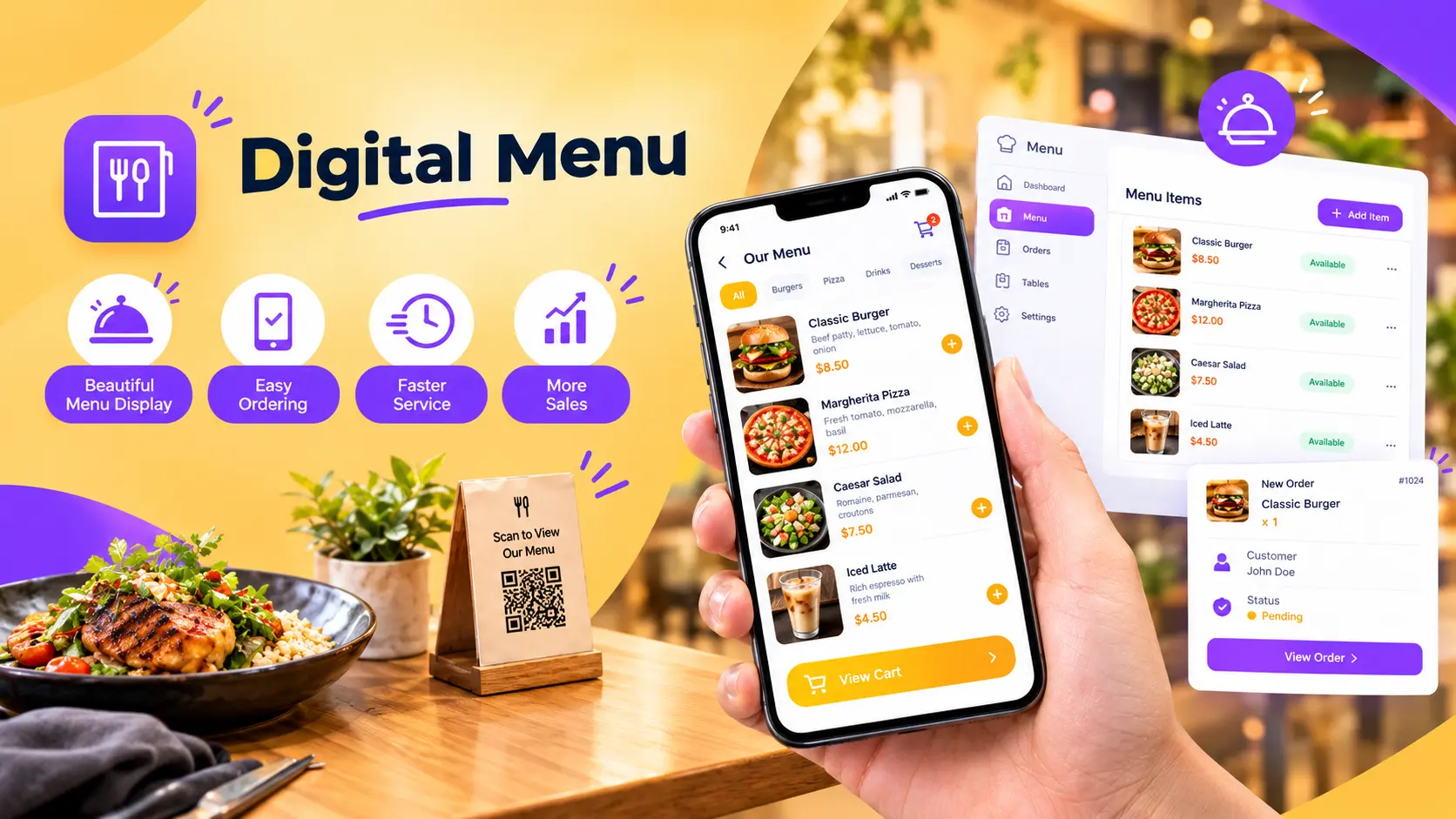
Digital Menu

Display your food, categories, prices, and photos in a clean mobile-friendly menu.

Easy Menu Management

Add, edit, hide, or update menu items whenever you need — without reprinting menus.

Product Variants

Let customers choose options such as size, flavor, toppings, or other variations.

Real-Time Kitchen Orders

New customer orders appear on the kitchen screen automatically.

Order Management

Track pending, prepared, and completed orders from one place.

Digital menu preview

Digital Menu

Your Menu, Always Up to Date.

Food photos

Categories

Prices

Product Options

Availability

Search/browsing

Change your menu whenever you want. Update prices, add new dishes, or temporarily hide unavailable items — all without printing a new menu.

Kitchen Experience

No shouting across the restaurant. No handwritten tickets. No unnecessary trips between tables and kitchen.

New Order

Kitchen staff immediately see incoming orders.

Order Details

See table number, items, quantities, options, and order time.

Update Status

Move orders through the preparation process.
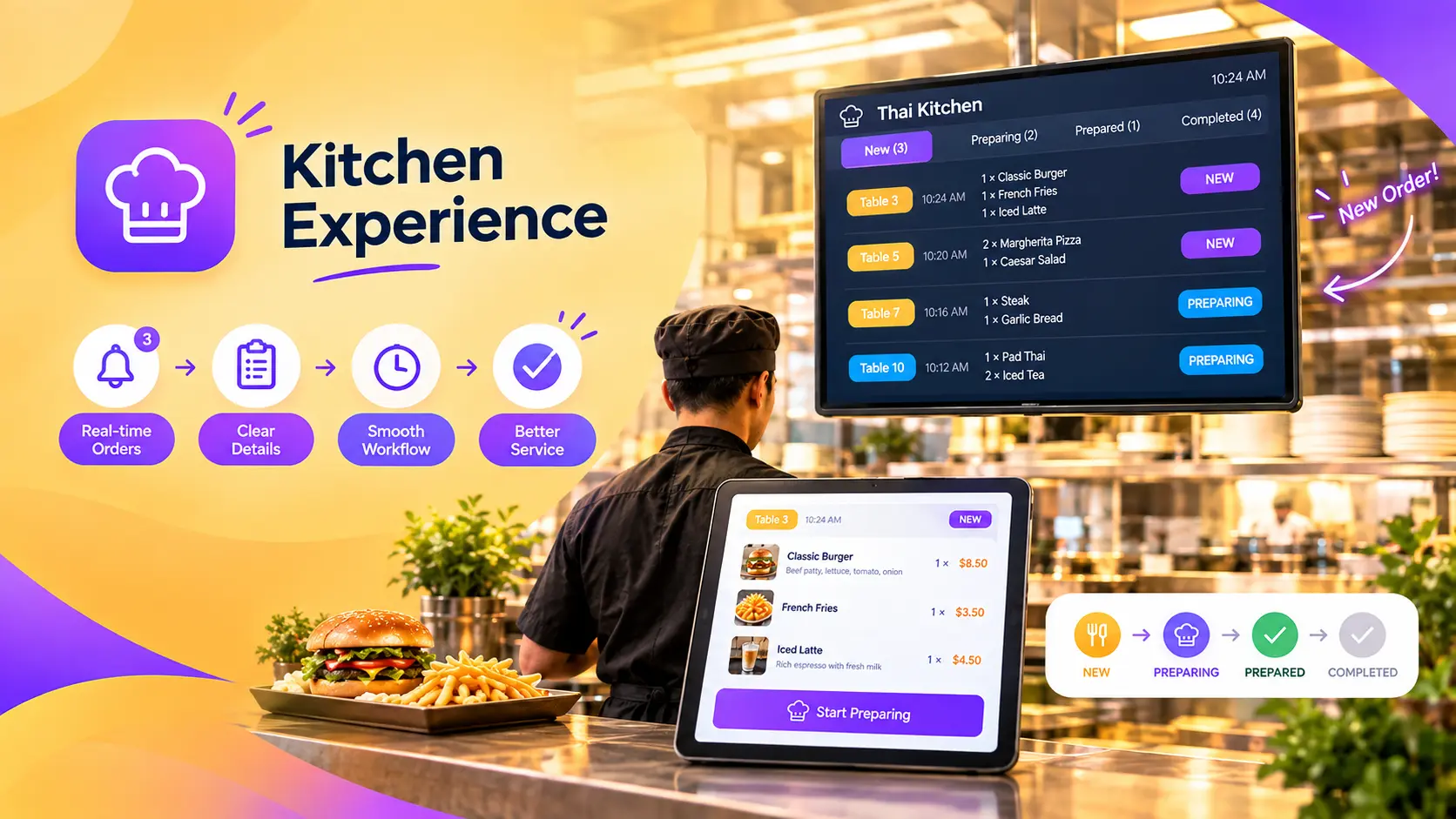
QR Menu system Kitchen Experience preview
Plans & Pricing

Choose the Right Plan for Your Shop

Transparent pricing. No hidden fees. Select a plan based on your business needs.

Starter

80,000 MMK/Year

Perfect for small restaurants and cafés getting started with QR ordering.

  • Setup Fee:Free
  • Up to 50 Products
  • Up to 10 Tables
  • Quick Setup (2-3 days)
  • Regular Support
MOST POPULAR

Standard

150,000 MMK/Year

Ideal for growing restaurants that need more menu items and tables to manage daily orders.

  • Setup Fee:Free
  • Up to 150 Products
  • Up to 30 Tables
  • Quick Setup (2-3 days)
  • Regular Support

Growth

350,000 MMK/Year

Built for busy restaurants with larger menus, more tables, and higher-volume ordering.

  • Setup Fee:Free
  • Up to 500 Products
  • Up to 100 Tables
  • Quick Setup (2-3 days)
  • Priority Support

Need To Customize Any of the Above Plans?

If our plans don't align with your specific scale, we offer completely custom solutions to fit your unique needs and budget limit.

Frequently Asked Questions

Do customers need to install an app?
No. Customers can scan the QR code and order through their phone's web browser.
Does every table have its own QR code?
Yes. Each QR code can be associated with a specific table.
Can I change my menu after setup?
Yes. You can update products, prices, categories, and availability from the management system.
Can customers see food photos?
Yes. Customers can see food photos associated with each product.
How does the kitchen receive orders?
New orders appear automatically on the kitchen staff device.
Can I use it for a café or tea shop?
Yes. The system is suitable for restaurants, cafés, tea shops, and other dine-in businesses.
Do I need special equipment?
Customers only need a smartphone to scan and order. Your restaurant needs an internet-connected device for managing orders.
Can I add different options/variants to food?
Yes, the system supports product variants and even a customer note or comment on each product.

Ready to Make Ordering Easier?

Give your customers a faster way to order and give your staff more time to focus on great service.

Contact Viber